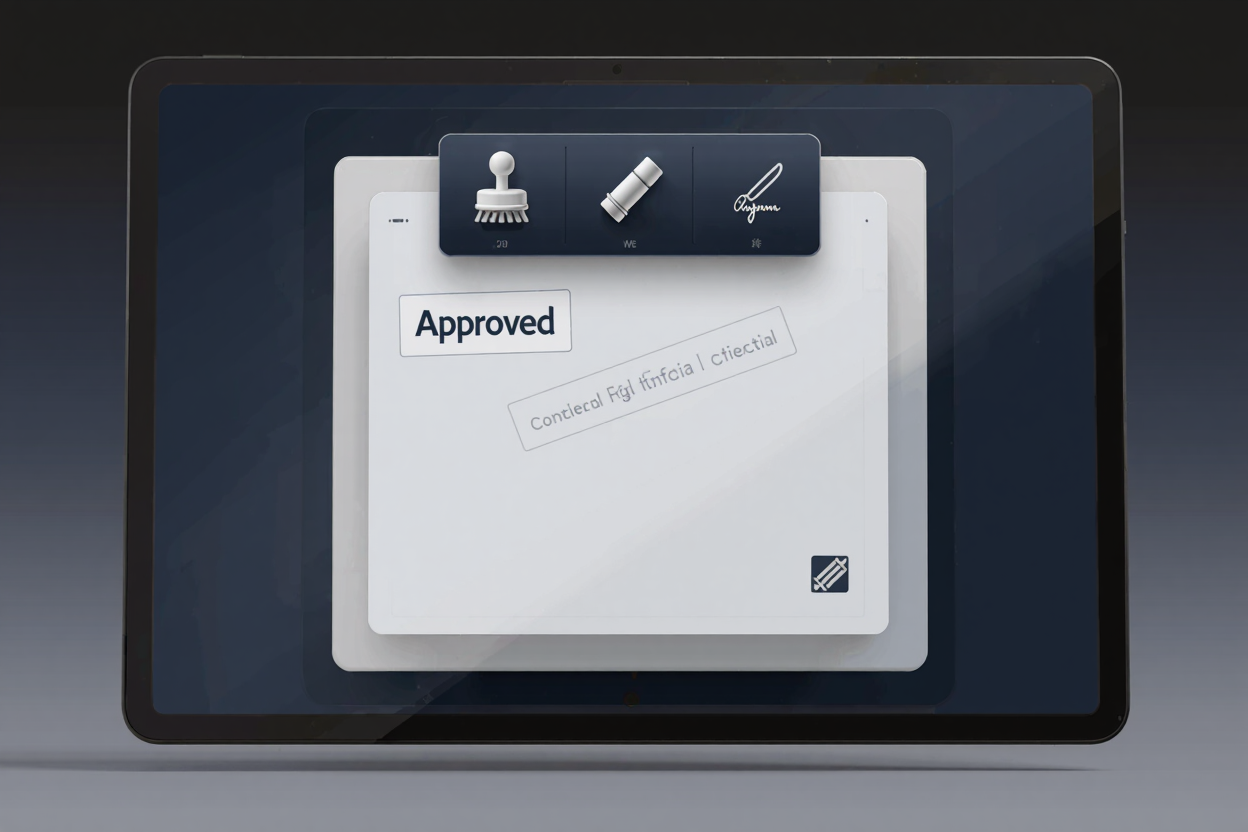
Adding stamps and marks to your PDF documents is an essential practice for many professionals and businesses. Whether approving invoices, marking documents confidential, or adding a digital signature, these visual cues enhance document integrity and streamline workflows. Digital stamps provide a clear record of a document's status or authenticity, offering a more efficient digital solution than traditional ink-and-paper methods.
Why Digital Stamps and Marks Matter
In today's digital environment, efficiency and security are paramount. Physical stamps are time-consuming and prone to errors, while digital alternatives offer precision and speed. They ensure all parties are aware of a document's stage, whether "Approved," "Draft," or "Confidential." This improves communication and reduces misinterpretation or unauthorized use.
Types of Stamps and Marks You Can Add
PDF documents support a wide array of stamps and marks, each serving a unique purpose:
- Text Stamps: Simple text overlays like "Approved," "Reviewed," or "Void." These are highly customizable in font, color, and size.
- Dynamic Stamps: Include variable information such as the current date, time, and user's name, automatically updating when applied. Ideal for tracking approvals and revisions.
- Image Stamps: Incorporate company logos, signatures, or specific graphical icons directly into your PDF, adding a professional touch and reinforcing branding.
- Watermarks: Background overlays (text or images) used to indicate document status (e.g., "Confidential," "Sample") without obstructing main content.
- Digital Signatures: While distinct, many PDF tools allow visual representation of a digital signature, verifying signer identity and document integrity.
Benefits of Using Digital Stamps
Integrating digital stamps offers numerous advantages:
- Enhanced Security: Stamps provide an audit trail, making document tampering harder to go unnoticed. Confidential watermarks deter unauthorized sharing.
- Increased Professionalism: A well-placed company logo stamp or official "Approved" mark lends credibility and a polished look to your documents.
- Streamlined Workflows: Automating the stamping process saves significant time. Documents can be marked and forwarded quickly, accelerating approval cycles.
- Cost-Efficiency: Eliminating the need for physical stamps, ink, and paper reduces operational costs and supports a sustainable, paperless office.
Adding Stamps and Marks with PDFAlone
PDFAlone provides a comprehensive and user-friendly platform for all your PDF needs, including effortlessly adding stamps and marks. Our PDF tools suite is designed to simplify complex document tasks, allowing you to manage your PDFs efficiently without needing specialized software installations. Access these powerful features directly from your web browser, ensuring convenience and accessibility from anywhere.
Step-by-Step Guide to Stamping Your PDFs
Adding a stamp or mark to your PDF document using an online tool like PDFAlone is straightforward:
- Upload Your PDF: Navigate to the PDFAlone website and select the stamp or watermark tool. Upload the PDF document you wish to modify, either by drag and drop or selecting it from your device.
- Choose Your Stamp Type: Once loaded, select from options like pre-designed templates, custom text stamps, or image stamps. Choose the option that best suits your needs.
- Customize Your Stamp: For text stamps, enter your text and adjust font, size, color, and opacity. For image stamps, upload your graphic file (e.g., company logo) and resize. For watermarks, define text or image, rotation, and transparency.
- Position and Apply: Drag the stamp to its desired location. Many tools allow precise positioning or application across multiple pages. Apply the stamp once satisfied.
- Download Your Stamped PDF: After application, download the modified PDF. Always review the downloaded file to ensure the stamp appears as intended.
Advanced Tips for PDF Stamping
To further enhance your document management, consider these advanced tips:
- Batch Stamping: For large volumes, use tools offering batch processing. Apply the same stamp to multiple PDFs simultaneously, saving considerable time.
- Dynamic Stamp Creation: Leverage dynamic stamps for internal workflows. These automatically pull information like user, date, and time, ensuring accurate audit trails without manual input.
- Optimizing File Size: Adding multiple stamps or high-resolution images can increase PDF size. After stamping, consider using a dedicated tool like <a href="https://pdfminify.com" target="_blank" rel="noopener noreferrer">PDF Compressor</a> to reduce file size without compromising quality, making sharing and storage easier.
Using an online platform to convert and edit PDFs online offers unparalleled flexibility. You can quickly add professional marks, collaborate, and ensure document compliance from any device with an internet connection. The convenience of no software installation and access to a full suite of features makes online PDF editing an invaluable asset.
By mastering the art of adding stamps and marks to your PDF documents, you're implementing a powerful system for organization, security, and professionalism. The capabilities offered by PDFAlone ensure these vital tasks are not only possible but also incredibly simple and efficient. Our goal is to empower you with the tools necessary to manage your documents effectively, enhancing both productivity and peace of mind.
FAQ
Q1: Can I remove a stamp or watermark after it's been added?
A1: Generally, yes, if the stamp was added as an annotation. Many PDF editors allow you to select and delete stamps. However, if a stamp or watermark was "flattened" into the document content, removing it might be more challenging and could require advanced editing tools.
Q2: Are digital stamps legally binding like physical ones?
A2: Digital stamps themselves typically do not carry the same legal weight as a digital signature, which uses cryptographic methods to verify identity and document integrity. However, they serve as strong visual indicators for internal processes and can be part of a legally sound digital workflow when combined with other security measures.
Q3: Can I create my own custom stamps with PDFAlone?
A3: Yes, PDFAlone's PDF tools suite allows users to create custom text and image stamps. You can define the text, font, color, and size for text stamps, and upload your own images (like company logos) for image stamps, giving you complete control over your document's appearance.
Get Started with Your PDF Documents Today
Ready to enhance your PDF documents with professional stamps and marks? Explore the robust features available at PDFAlone. Our intuitive online platform makes it easy to manage, secure, and personalize your PDFs. Visit pdfalone.com now and transform the way you handle your digital documents.