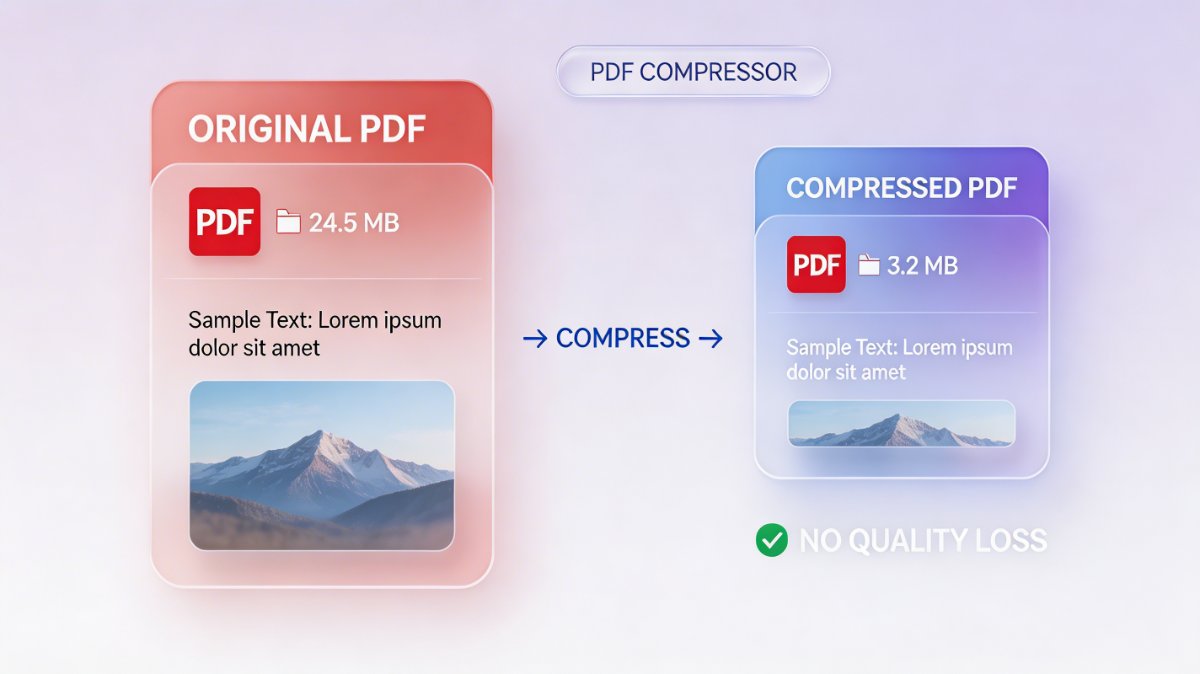
Large PDF files can slow down your workflow, make sharing difficult, and hurt performance on websites. But compressing a PDF doesn't have to mean sacrificing quality.
In this guide, you'll learn how to reduce PDF file size while keeping text sharp and images clear.
📉 Why PDF Size Matters
Heavy PDF files can cause multiple issues:
- Slow uploads and downloads
- Email attachment limits
- Poor user experience on websites
- Increased storage usage
Optimizing your PDFs helps improve speed, accessibility, and overall efficiency.
🧠 How PDF Compression Works
PDF compression reduces file size by:
- Removing unnecessary metadata
- Compressing embedded images
- Optimizing fonts and objects
- Eliminating duplicate data
There are two main types:
🔹 Lossless Compression
- No visible quality loss
- Keeps original data intact
- Slight size reduction
🔹 Lossy Compression
- Removes non-visible data
- Higher size reduction
- Minimal quality difference (if optimized correctly)
⚙️ Best Ways to Compress PDF Without Losing Quality
1. Use Smart Online Tools
Modern tools use advanced algorithms to reduce size while preserving clarity.
👉 Try a simple and fast solution:
https://pdfalone.com/compress-pdf
2. Optimize Images Before Upload
If your PDF contains images:
- Resize large images
- Use JPEG/WebP instead of PNG when possible
- Avoid unnecessary high resolution
3. Remove Unused Elements
Clean your PDF by removing:
- Hidden layers
- Unused fonts
- Duplicate objects
4. Choose the Right Compression Level
Avoid extreme compression settings.
Balanced compression (medium level) usually gives the best result.
🚀 Pro Tips for Best Results
- Keep DPI around 150–300 for most documents
- Use grayscale for non-color files
- Always preview before downloading
- Test different compression levels
✅ Conclusion
Compressing PDFs without losing quality is all about balance. By using the right tools and techniques, you can significantly reduce file size while keeping your documents clean and professional.
Start optimizing your PDFs today and enjoy faster, more efficient workflows.