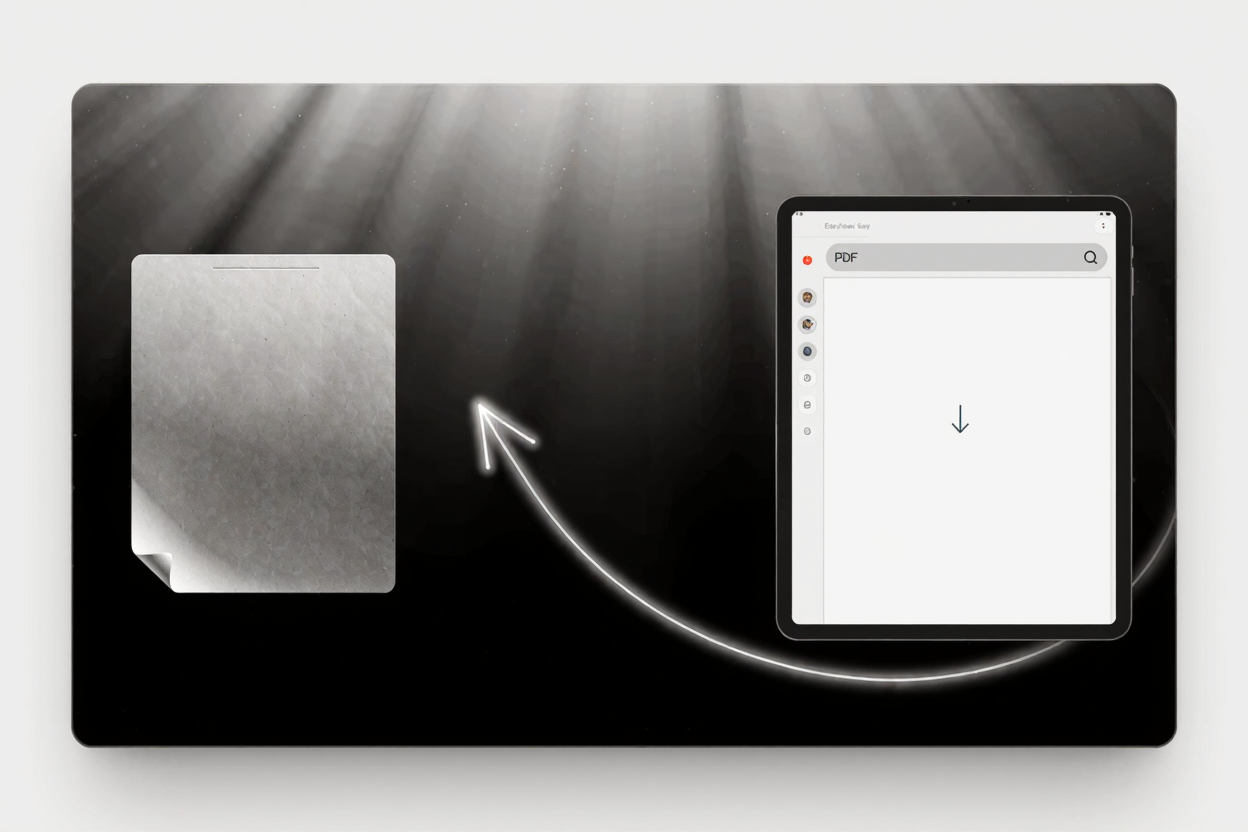
Dealing with scanned documents can often be a frustrating experience. While they preserve the original content perfectly, their image-based nature means you can't search, copy, or edit the text directly. This limitation can significantly hinder productivity, especially when you need to make quick revisions or extract information.
Fortunately, there's a powerful solution: converting your scanned PDFs into editable documents. This transformation not only makes your files searchable and editable but also enhances their overall utility and accessibility. Imagine being able to update old contracts, correct typos in historical records, or easily copy passages for new reports—all without retyping a single word.
The Difference: Scanned vs. Editable PDFs
A scanned PDF is essentially a picture of a document. When you scan a physical paper, your scanner creates an image file, which is then embedded into a PDF container. While this looks like a document, the computer only sees it as an image, not as text characters.
An editable PDF, on the other hand, contains a layer of selectable and searchable text. This allows you to interact with the document's content, just like any word processor file. The magic behind this transformation is Optical Character Recognition (OCR) technology.
OCR analyzes the image of the text, identifies individual characters, and converts them into machine-readable text. This process effectively turns your static images into dynamic, manipulable data. It's an essential tool for anyone working with physical documents that need a digital life.
How PDFAlone Makes Scanned PDFs Editable
PDFAlone offers a robust and user-friendly solution to convert and edit PDFs online. Our platform leverages advanced OCR technology to accurately recognize text from even complex scanned documents, turning them into fully editable PDFs in just a few simple steps.
Our tool is designed for efficiency and precision, ensuring that the layout, formatting, and integrity of your original document are maintained as much as possible during the conversion. You don't need to download any software; everything happens securely in your web browser.
Step-by-Step Guide to Converting Scanned PDFs
Converting your scanned documents to editable PDFs with PDFAlone is straightforward. Here's how you can do it:
- Visit PDFAlone: Open your web browser and navigate to the PDFAlone website.
- Select the OCR Tool: Look for the OCR PDF or Convert Scanned PDF option on the homepage or in the main menu. This tool is specifically designed for converting image-based PDFs.
- Upload Your Document: Click the "Upload File" button or drag and drop your scanned PDF directly into the designated area. You can upload files from your computer or cloud storage services.
- Choose Output Language: For optimal accuracy, select the language of the text in your scanned document. This helps the OCR engine recognize characters more precisely.
- Start Conversion: Click the "Convert" or "Process" button. PDFAlone will then apply its OCR technology to analyze your document and convert the image text into editable text.
- Download Your Editable PDF: Once the conversion is complete, a download link will appear. Click it to save your new, editable PDF to your device. You can now open it with any PDF editor or word processor that supports PDF editing.
Tips for Optimal OCR Results
To ensure the highest accuracy when converting your scanned documents, consider these helpful tips:
- High-Quality Scans: Start with the best possible scan quality. Clear, high-resolution images with good contrast between text and background yield much better OCR results.
- Proper Orientation: Ensure your document is correctly oriented (not upside down or sideways) before uploading. While some tools can correct this, it's best to start with the right orientation.
- Clear Text: Avoid documents with excessively faded, handwritten, or highly stylized fonts if possible. OCR works best with standard, machine-printed text.
- Language Selection: Always select the correct language of your document. This significantly improves the OCR engine's ability to interpret characters and words accurately.
Benefits of Using PDFAlone for OCR Conversion
Using the PDF tools suite for your OCR needs brings numerous advantages. You gain the ability to search through your documents instantly, making information retrieval incredibly fast. This is a game-changer for research, legal work, and document management.
Editable PDFs also mean you can easily correct errors, update outdated information, or add new content without needing to recreate the entire document. This saves valuable time and effort, enhancing your workflow significantly.
Furthermore, editable documents are generally more accessible. They can be read by screen readers, making them usable for individuals with visual impairments. This commitment to accessibility is a core part of modern document practices.
Beyond OCR: Other Essential PDF Tools
While converting scanned documents is a vital feature, PDFAlone offers a comprehensive array of tools to manage all your PDF needs. From merging and splitting PDFs to compressing and protecting them, our platform is designed to be your all-in-one PDF solution.
For instance, after converting your scanned document, you might find the file size has increased. In such cases, a tool like <a href="https://pdfminify.com" target="_blank" rel="noopener noreferrer">PDF Compressor</a> can be incredibly useful. It helps reduce the file size of your PDFs without compromising quality, making them easier to share and store.
Explore the full range of options available within the PDF tools suite to streamline your document management tasks. Whether you're a student, a professional, or just someone looking to organize their digital files, PDFAlone has a tool for you.
FAQ
What is OCR and why is it important for scanned documents?
OCR (Optical Character Recognition) is technology that converts images of text into machine-readable text. It's crucial for scanned documents because it transforms static pictures of words into editable, searchable, and selectable text, unlocking their full digital potential.
Can I convert multiple scanned documents at once?
Yes, many online OCR tools, including PDFAlone, support batch processing. This allows you to upload and convert multiple scanned PDFs simultaneously, saving you time and effort when dealing with large volumes of documents.
What languages does PDFAlone's OCR support?
PDFAlone's OCR technology supports a wide range of languages. When uploading your document, you'll typically find an option to select the language of the text within your scanned PDF, which helps improve the accuracy of the character recognition.
Start Converting Today
Don't let uneditable scanned documents slow you down. Unlock the full potential of your files by converting them into editable PDFs with PDFAlone. Try our powerful OCR tool today and experience the convenience of fully manageable digital documents.