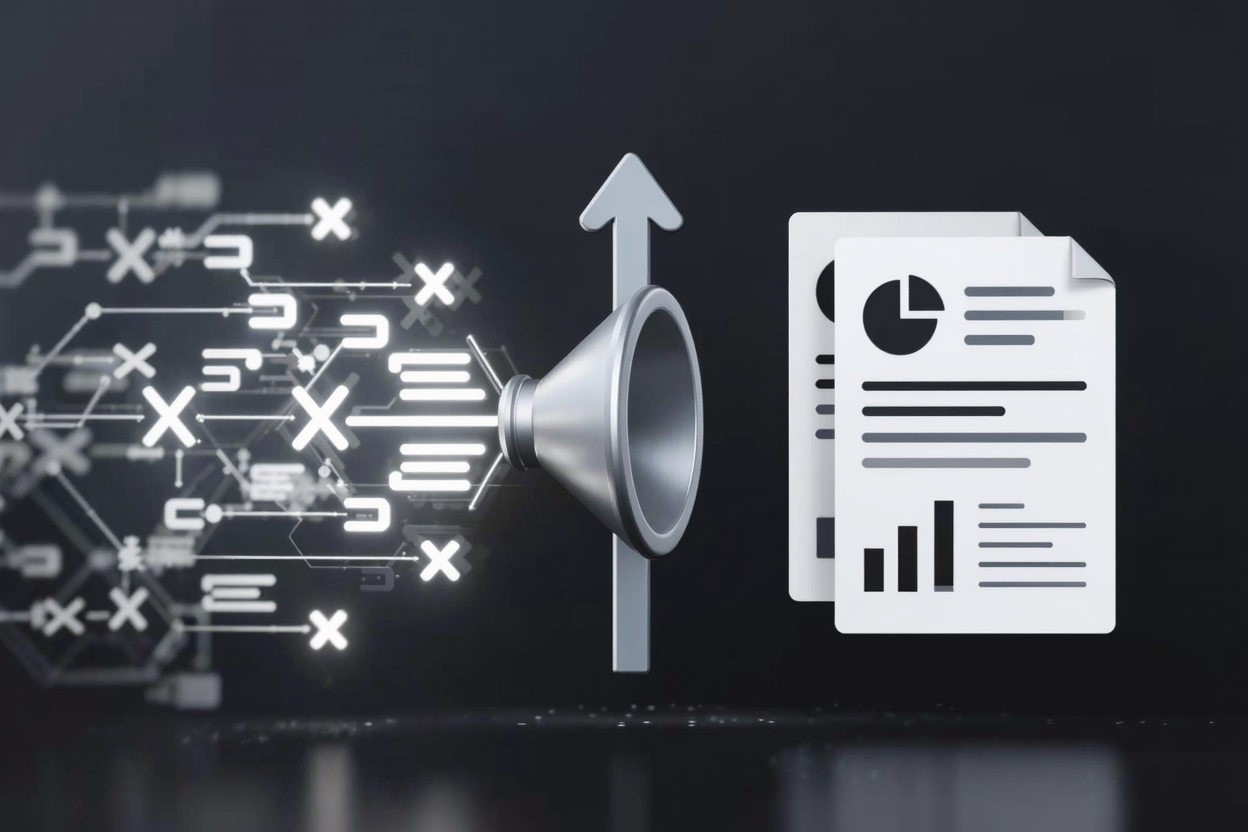
In today's data-driven world, efficiently managing and presenting information is crucial for businesses and developers alike. XML (Extensible Markup Language) and JSON (JavaScript Object Notation) are standard formats for structuring and exchanging data. While excellent for machine readability, they often require transformation into a human-friendly format for reporting, and PDF (Portable Document Format) stands out as the ideal solution.
Converting your raw XML or JSON data into well-formatted PDF reports can significantly enhance readability, ensure consistent presentation, and facilitate easy sharing. This guide will walk you through the essential concepts and methods to achieve this, helping you leverage your data more effectively.
Understanding XML and JSON Data
XML and JSON are both hierarchical data formats, but they differ in syntax and common use cases. XML uses tags to define elements and attributes, making it highly descriptive and extensible. It's often used in web services, configuration files, and document structures.
JSON, on the other hand, is a lightweight data-interchange format that is easy for humans to read and write, and easy for machines to parse and generate. Its syntax is based on JavaScript object literal syntax, making it a popular choice for web APIs and mobile applications due to its simplicity and efficiency.
Why PDF for Reports?
The PDF format offers numerous advantages when it comes to generating reports from structured data. Its primary strength lies in its ability to preserve document formatting, fonts, and images across different operating systems and devices. This ensures that your reports look exactly as intended, regardless of where they are viewed.
Furthermore, PDFs are inherently secure; you can protect them with passwords, restrict printing or editing, and even add digital signatures. This makes them suitable for sensitive financial, legal, or business intelligence reports. Their universal compatibility also means almost anyone can open and view a PDF without needing specialized software, making distribution straightforward.
Converting XML/JSON to PDF: Key Approaches
Directly converting XML or JSON into a visually appealing PDF report typically involves a programmatic approach. While online tools exist for basic conversions, generating complex, styled reports usually requires more sophisticated methods.
1. Programmatic Conversion (Recommended for Automation)
This is the most flexible and powerful method, allowing for complete control over the report's layout, styling, and data presentation. It involves using programming libraries that can parse your data and then render it into a PDF document. Popular languages and libraries include:
- Python: Libraries like
ReportLab,fpdf2, andWeasyPrintare excellent for generating PDFs. You can parse XML withElementTreeor JSON with the built-injsonmodule, then use the PDF library to lay out your data. - Java:
iText(commercial) andApache FOP(open-source for XSL-FO) are robust options. You'd typically parse XML with JAXB or JSON with Jackson/Gson, then use the chosen library for PDF generation. - C#/.NET:
iTextSharp(an older version of iText) or modern alternatives likeQuestPDFprovide comprehensive PDF generation capabilities. Data parsing can be done withSystem.Xml.Linqfor XML orSystem.Text.Jsonfor JSON.
The general steps for programmatic conversion are:
- Parse the Data: Load your XML or JSON file into your program and parse it into an accessible data structure.
- Design the Layout: Define the structure of your report, including headers, footers, tables, charts, and text blocks. This often involves creating templates or using the library's API to draw elements.
- Populate the PDF: Iterate through your parsed data and insert it into the predefined layout elements.
- Generate the PDF: Render the document and save it as a PDF file.
2. Using Data Reporting Tools
Specialized reporting tools can also consume XML or JSON data sources and generate sophisticated PDF reports. Tools like JasperReports, Crystal Reports, or Microsoft SQL Server Reporting Services (SSRS) often provide visual designers to create report templates that can then be populated with your structured data and exported to PDF. These are particularly useful for complex enterprise reporting needs.
3. Leveraging Online PDF Tools (for Post-Conversion Management)
While direct XML/JSON to PDF conversion is typically a programming task, once you have your PDF reports, PDF tools suite becomes incredibly valuable. These platforms offer a range of functionalities to manage, enhance, and optimize your generated PDFs. For instance, you might need to:
- Merge Reports: Combine multiple individual PDF reports into a single, comprehensive document.
- Split Reports: Divide a large report into smaller, more manageable sections.
- Compress Reports: Reduce the file size of your PDFs, especially if they contain many images or complex graphics. For highly efficient compression, you might also consider specialized tools like <a href="https://pdfminify.com" target="_blank" rel="noopener noreferrer">PDF Compressor</a>.
- Secure Reports: Add password protection or restrict permissions on your sensitive reports.
- Convert and Edit PDFs Online: Convert your PDFs to other formats or make last-minute edits without needing desktop software.
These tools streamline the post-generation workflow, ensuring your PDF reports are always in optimal condition for distribution and archiving.
Best Practices for PDF Reports
When creating PDF reports, consider these best practices to ensure clarity and professionalism:
- Clear Structure: Use headings, subheadings, and bullet points to break down information.
- Visual Appeal: Incorporate charts, graphs, and images where appropriate to illustrate data and improve engagement.
- Consistent Branding: Apply consistent fonts, colors, and logos to maintain a professional look.
- Accessibility: Consider adding alt text for images and ensuring logical reading order for screen readers.
- File Size Optimization: If distributing reports online, ensure file sizes are manageable for quick downloads.
FAQ
Q1: Can I convert XML/JSON to PDF without writing code?
A1: While direct, code-free conversion of complex XML/JSON to fully styled PDF reports is rare for online tools, some specialized reporting software or data transformation platforms might offer this capability through visual designers or pre-built templates. For simple data, you might convert to an intermediate format like HTML or CSV first, then use a PDF converter.
Q2: What's the main advantage of programmatic PDF generation?
A2: The primary advantage is unparalleled flexibility and automation. Programmatic generation allows you to define complex layouts, integrate dynamic data, apply sophisticated styling, and automate the report creation process entirely, which is ideal for recurring reports or large datasets.
Q3: How can PDFAlone help with my converted PDF reports?
A3: Once you've programmatically generated your PDF reports, PDF tools suite can help you refine and manage them. You can use it to merge multiple reports, split large documents, compress file sizes, add password protection, or convert your PDFs to other formats for further editing or sharing.
Conclusion
Converting XML and JSON data into professional PDF reports is an essential skill for anyone dealing with structured data. By embracing programmatic methods, you gain the power to transform raw data into polished, readable, and shareable documents. Remember that while the generation itself is often code-driven, platforms like PDFAlone provide invaluable assistance in managing and optimizing your PDF reports post-creation, ensuring your data is always presented in the best possible light.