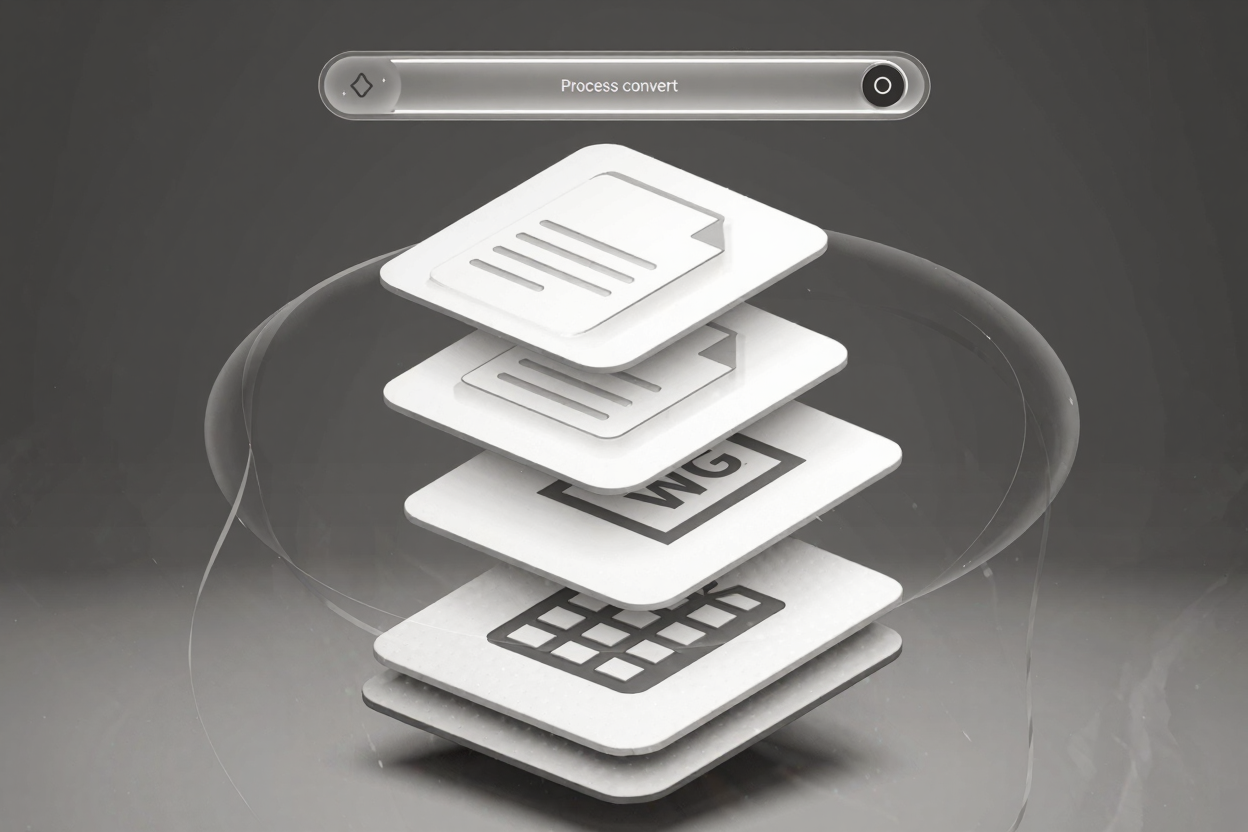
In today’s fast-paced digital environment, managing documents efficiently is crucial for both individuals and businesses. PDFs are ubiquitous, but dealing with them one by one can be incredibly time-consuming, especially when you have a large volume of files. This is where PDF batch processing comes into play, transforming a tedious task into a swift, automated operation.
Batch processing allows you to apply the same operation to multiple PDF files simultaneously. Imagine needing to convert dozens of PDF documents to another format, or perhaps merge several folders of reports. Manually opening, processing, and saving each file would consume hours, if not days. With a robust PDF tools suite, this entire workload can be completed in minutes.
The Power of Efficiency: Why Batch Process PDFs?
The primary benefit of batch processing is the significant time savings it offers. Instead of repetitive manual actions, you can set up a task once and let the software handle the rest. This automation dramatically boosts productivity, freeing up valuable time for more critical tasks.
Beyond just converting, batch processing extends to various other PDF operations. You can compress multiple large PDFs to optimize storage, encrypt a whole set of sensitive documents for enhanced security, or even add watermarks to a collection of branding materials. The consistency achieved through batch processing ensures that all your files conform to the same standards, reducing errors and maintaining uniformity across your document library.
Common Batch Processing Tasks
Many common PDF tasks can be greatly streamlined using batch processing. These include:
- Batch Conversion: Convert multiple PDFs to Word, Excel, JPG, PNG, or vice versa, all at once. This is invaluable for data migration or when different departments require specific file formats.
- Batch Merging: Combine numerous PDF documents into a single, cohesive file. Ideal for compiling reports, presentations, or legal briefs from various sources.
- Batch Splitting: Divide a large PDF into multiple smaller files based on specific criteria, such as page range or file size. Perfect for distributing sections of a master document.
- Batch Compression: Reduce the file size of many PDFs simultaneously without compromising quality. Essential for email attachments, web uploads, and efficient archiving.
- Batch Security: Apply passwords, encryption, or permissions to a group of PDFs. Crucial for protecting confidential information across an entire project.
- Batch Watermarking: Add custom watermarks to multiple documents for branding or copyright protection.
How PDFAlone Simplifies Batch Operations
PDFAlone offers an intuitive and powerful platform designed to make PDF batch processing accessible to everyone. Our PDF tools suite is built with user experience in mind, ensuring that even complex tasks can be performed with just a few clicks. The process typically involves uploading your files, selecting the desired operation, configuring any specific settings, and then initiating the batch task.
Our platform handles the heavy lifting, processing your files quickly and securely. You don't need to download any software; everything is managed directly in your web browser. This means you can process PDFs from any device, anywhere, at any time.
Key Features for Seamless Batch Processing
- User-Friendly Interface: A clean, uncluttered design makes navigating and executing batch tasks straightforward.
- High-Speed Processing: Optimized algorithms ensure your files are processed as quickly as possible, even with large batches.
- Secure Handling: Your privacy and data security are paramount. Files are processed securely and deleted after a set period.
- Versatile Toolset: Beyond batch operations, PDFAlone provides a comprehensive array of tools to convert and edit PDFs online, including editing text, adding annotations, rearranging pages, and much more.
Beyond PDFs: Expanding Your Digital Toolkit
While PDF batch processing is a powerful tool for document management, your digital workflow often involves other file types. For instance, photographers and designers frequently work with image formats that require conversion. If you find yourself needing to convert image files from one format to another, tools like a <a href="https://convertminify.com/tools/heic-to-png" target="_blank" rel="noopener noreferrer">HEIC to PNG Converter</a> can be just as invaluable as PDF batch processors for streamlining image-related tasks.
Integrating such diverse tools into your workflow ensures that all your digital assets are easily managed and prepared for any purpose, from professional presentations to personal archives.
Conclusion
PDF batch processing is no longer a luxury but a necessity for efficient document management. By allowing you to convert, merge, split, compress, and secure multiple files simultaneously, it saves invaluable time and ensures consistency across your documents. PDFAlone empowers you to tackle even the largest PDF workloads with ease and confidence. Embrace the efficiency of batch processing and transform the way you manage your digital documents.
FAQ
Q1: Is PDF batch processing secure?
Yes, reputable online tools like PDFAlone prioritize security. Files are typically uploaded via secure connections, processed on secure servers, and then deleted after a short period to protect your privacy and data.
Q2: Can I batch process PDFs on any device?
Absolutely. Since PDFAlone is a web-based service, you can access and utilize its batch processing capabilities from any device with an internet connection and a web browser, including desktops, laptops, tablets, and smartphones.
Q3: What types of files can I convert PDFs to in a batch?
Most advanced PDF batch converters support a wide range of formats. With PDFAlone, you can convert multiple PDFs to common formats like Word, Excel, PowerPoint, JPG, and PNG, and also convert many other file types to PDF.
Ready to streamline your document workflow? Visit PDFAlone today and experience the power of efficient PDF batch processing and a comprehensive suite of PDF tools. Simplify your tasks and boost your productivity with our easy-to-use platform.