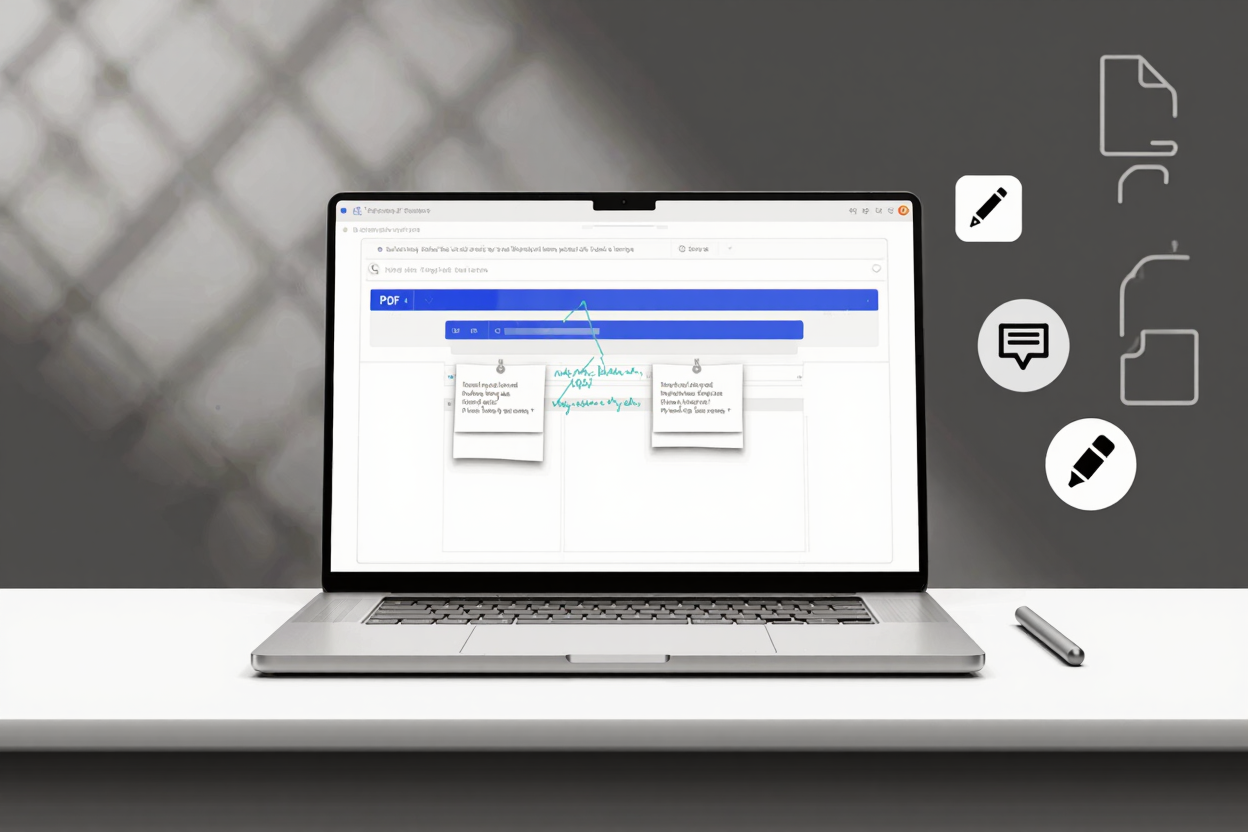
In today's digital academic world, students are constantly interacting with PDF documents—be it textbooks, research papers, or lecture notes. Passive reading simply isn't enough to truly grasp complex material or prepare effectively for exams. This is where the power of PDF annotation comes into play, transforming static documents into interactive learning tools.
Active engagement with your study materials is crucial for better comprehension and long-term retention. Annotating PDFs allows you to highlight key information, add personal notes, ask questions, and mark sections for later review. It's a proactive approach to studying that significantly enhances your learning experience and makes revision much more efficient.
Why PDF Annotation is a Student's Superpower
PDF annotation goes beyond simple highlighting. It encompasses a range of tools designed to help you interact deeply with your content. By adding comments, drawing shapes, underlining important sentences, or even striking out irrelevant text, you're actively processing information rather than just scanning it.
This active process helps solidify concepts in your mind, making it easier to recall details during lectures or exams. Moreover, organized annotations create a personalized study guide, tailored exactly to your understanding and learning style. It's a powerful way to make every study session count.
Essential Features to Look for in an Annotation Tool
When choosing the best PDF annotation tool, students should prioritize several key features. Ease of use is paramount; a complicated interface can hinder rather than help your studies. Look for intuitive controls for highlighting, underlining, and adding sticky notes or text boxes.
Cross-device compatibility and cloud synchronization are also vital for students who study on multiple devices, like laptops, tablets, and smartphones. The ability to search through your annotations, organize them, and even export them for review can further enhance your productivity. A comprehensive [PDF tools suite](https://pdfalone.com) often includes these capabilities.
Top PDF Annotation Solutions for Students
While dedicated desktop applications like Adobe Acrobat offer extensive features, they can often be costly and resource-intensive for students. Many students find online PDF annotators to be a more accessible and flexible solution. These web-based tools often require no installation and can be accessed from any device with an internet connection.
Online platforms are perfect for quick edits, collaborative projects, or when you're working on a shared computer. They provide the core annotation functionalities needed for effective study without the overhead. Choosing an online tool means your annotated documents are often saved in the cloud, accessible whenever and wherever you need them.
PDFAlone: Your Go-To Annotation Partner
For students seeking a robust, user-friendly, and accessible solution, PDFAlone offers an excellent suite of tools. Our platform allows you to annotate PDFs directly in your browser, providing all the essential features you need to highlight, underline, add text, shapes, and comments with ease. It's designed to be intuitive, ensuring you spend more time learning and less time figuring out software.
Beyond annotation, PDFAlone is a comprehensive [PDF tools suite](https://pdfalone.com) that empowers students with a wide range of document management capabilities. You can seamlessly [convert and edit PDFs online](https://pdfalone.com), merge multiple files, split documents, and much more. This makes it an all-in-one resource for all your academic PDF needs, streamlining your workflow significantly.
Managing large digital textbooks and research papers can also lead to storage issues. For students dealing with hefty PDF files, a tool like <a href="https://pdfminify.com" target="_blank" rel="noopener noreferrer">PDF Compressor</a> can be incredibly useful. It helps reduce file sizes without compromising quality, making it easier to store, share, and upload your academic documents efficiently.
Tips for Effective PDF Annotation
To make the most of your annotation efforts, consider developing a strategic approach. Don't highlight everything; be selective and focus on truly important concepts. Use different colors to signify different types of information, such as definitions, examples, or questions.
Summarize complex paragraphs in your own words using sticky notes, and don't hesitate to write down questions that come to mind. Regularly review your annotations before and after lectures to reinforce learning. This systematic approach will transform your annotations into powerful study aids.
FAQ
Why is PDF annotation important for students?
PDF annotation is crucial for students as it promotes active learning, improves comprehension, and enhances memory retention. By interacting directly with the text through highlights, notes, and comments, students engage more deeply with the material, making it easier to recall information during exams and fostering a deeper understanding of the subject matter.
Are online PDF annotators like PDFAlone secure?
Reputable online PDF annotators prioritize user security and data privacy. PDFAlone, for instance, uses secure connections and processes files temporarily, ensuring your documents are handled with care. Always ensure you are using a trusted platform that clearly outlines its privacy policy when handling sensitive academic information.
Can I annotate PDFs on my phone or tablet?
Yes, most modern online PDF annotators, including PDFAlone, are designed to be responsive and accessible across various devices, including smartphones and tablets. This allows students the flexibility to study and annotate their documents on the go, ensuring seamless learning whether they are in a library, classroom, or commuting.
Start Annotating Smarter Today
Embracing PDF annotation is a game-changer for academic success. It transforms passive reading into an active, engaging, and highly effective learning experience. With tools like PDFAlone, you have everything you need at your fingertips to elevate your study habits and achieve your academic goals. Try it today and experience the difference smarter annotation can make.