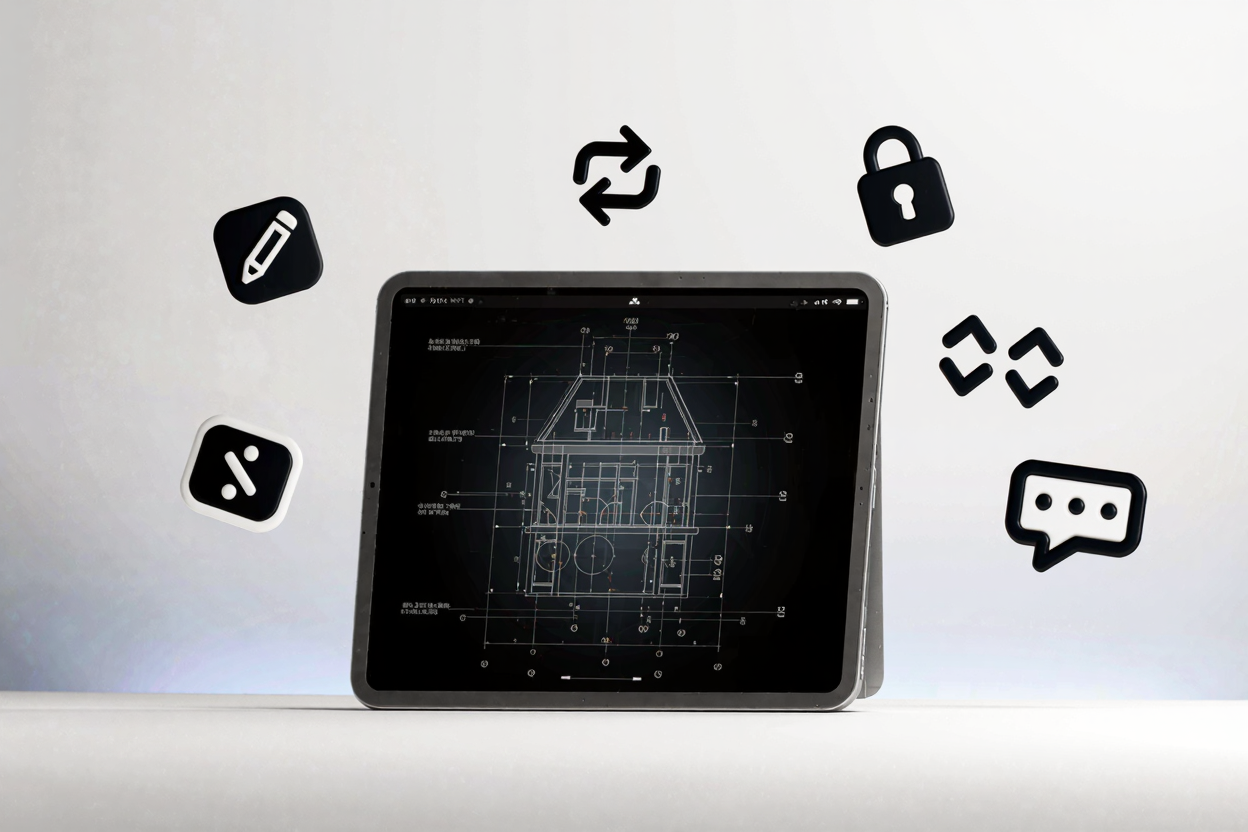
In the demanding worlds of architecture and engineering, precision, collaboration, and efficient document management are paramount. Professionals in these fields constantly work with complex blueprints, technical drawings, specifications, and reports, all predominantly shared and stored in PDF format. A robust PDF solution is not just a convenience; it's a critical component of their daily workflow.
However, standard PDF viewers often fall short when dealing with the intricate needs of AEC (Architecture, Engineering, and Construction) projects. Professionals frequently encounter challenges such as managing massive file sizes, ensuring accurate measurements, facilitating secure collaboration, and maintaining version control across multiple stakeholders. These hurdles can lead to costly delays and potential errors, underscoring the need for specialized tools.
Essential PDF Capabilities for AEC Professionals
To navigate these complexities, architects and engineers require a comprehensive suite of PDF tools. These tools must go beyond basic viewing to offer advanced functionalities tailored to technical documentation. Investing in the right software can significantly streamline operations and improve project outcomes.
Advanced Editing and Markup
Editing capabilities are crucial for making minor revisions, correcting text, or updating drawing details directly within a PDF. Beyond simple text edits, architects and engineers need sophisticated markup tools. This includes highlighting, sticky notes, stamps, and the ability to add comments directly onto drawings without altering the original design.
Crucially, specialized tools offer precision measurement features, allowing users to accurately measure distances, areas, and perimeters on scaled drawings. These features are indispensable for quality control and verification, ensuring that all aspects of a design adhere to specifications.
Seamless Conversion and Integration
The ability to convert various file formats to and from PDF is vital. Architects and engineers often work with CAD files, spreadsheets, and word documents that need to be unified into a single PDF for sharing or archiving. Conversely, extracting data from PDFs into editable formats is equally important.
With a powerful solution, you can easily convert and edit PDFs online, transforming complex CAD drawings into universally viewable PDFs or converting PDFs back into formats like JPG, Word, or Excel for further manipulation. This flexibility ensures compatibility across different software ecosystems and project phases.
Robust Security Features
Protecting sensitive project data is non-negotiable. Blueprints, proprietary designs, and confidential specifications require stringent security measures. Advanced PDF tools offer password protection, encryption, and digital signatures to verify authenticity and prevent unauthorized access or tampering.
Redaction tools are also essential for permanently removing sensitive information from documents before sharing. This ensures compliance with privacy regulations and protects intellectual property throughout the project lifecycle.
Efficient Organization and Collaboration
Managing numerous PDF documents for a single project can be overwhelming. Tools that allow for merging multiple PDFs into one comprehensive document, splitting large files into manageable sections, or reordering pages are invaluable. This helps maintain a structured and organized document flow.
Collaboration features, such as shared review and commenting, enable multiple team members to provide feedback simultaneously. Cloud integration further facilitates real-time collaboration, ensuring everyone is working with the latest version of a document, regardless of their location.
Optimizing Performance with Large Files
Architectural and engineering drawings can be extremely large, often containing high-resolution images and complex vector graphics. Standard PDF software can struggle with these files, leading to slow loading times and system crashes. A dedicated PDF tools suite is optimized to handle large documents efficiently, ensuring smooth navigation and editing without compromising quality.
Compression tools within these suites can significantly reduce file sizes without noticeable loss of detail, making documents easier to share and store. This is particularly beneficial for projects involving extensive documentation and imagery.
PDFAlone: Your Go-To Solution
For architects and engineers seeking a reliable and feature-rich platform, PDFAlone offers a comprehensive PDF tools suite designed to meet these specialized needs. From advanced editing and precise measurement tools to robust security and seamless conversion capabilities, PDFAlone empowers professionals to manage their technical documents with unparalleled efficiency and accuracy.
Beyond core PDF functionalities, professionals often engage with various digital content types. For those who need to prepare project documentation or technical specifications for web display, ensuring proper rendering of special characters is critical. An <a href="https://devtoolhere.com/tools/html-encode-decode" target="_blank" rel="noopener noreferrer">HTML Encoder</a> can be a valuable utility for converting characters into HTML entities, preventing display issues on websites or digital platforms.
FAQ
Q1: Why are specialized PDF tools better than generic ones for AEC professionals?
Specialized PDF tools offer features like precise measurement tools, advanced markup for technical drawings, and robust handling of large, complex files that generic tools lack. They are optimized for the unique demands of architectural and engineering documentation, ensuring accuracy and efficiency.
Q2: Can these PDF tools handle extremely large blueprint files without performance issues?
Yes, dedicated PDF tools for AEC professionals are specifically engineered to manage large files efficiently. They often include optimized rendering engines and compression capabilities to ensure smooth performance, quick loading times, and stable operation even with high-resolution blueprints and detailed schematics.
Q3: Is it possible to integrate these PDF tools with existing CAD software or project management platforms?
While direct, deep integration with all CAD software might vary, most professional PDF tools support common file formats (like DWG, DXF, etc.) for conversion to PDF. Many also offer cloud integration, allowing seamless workflow with popular project management and collaboration platforms, ensuring your PDF documents are accessible and shareable within your existing ecosystem.
Elevate Your Project Workflow
Don't let outdated or generic PDF software hinder your productivity and precision. Explore the powerful capabilities of a dedicated PDF solution today. Visit PDFAlone to discover how our tools can transform your document management, enhance collaboration, and secure your critical architectural and engineering projects.