In today's digital landscape, Portable Document Format (PDF) files are ubiquitous. From official contracts and application forms to reports and invoices, PDFs are the standard for reliable document sharing. However, interacting with these documents – especially filling out forms or making edits – can often be a source of frustration if you don't have the right tools.
That's where PDFAlone comes in. Designed to simplify your document workflows, PDFAlone offers a robust and intuitive platform for all your PDF needs. Whether you're a student, a professional, or managing personal documents, understanding how to efficiently handle PDFs is a crucial skill.
Why PDFs Are Indispensable
PDFs are favored for their universal compatibility and consistent formatting. Regardless of the device or operating system, a PDF will always appear as intended, preserving fonts, images, and layout. This reliability makes them ideal for legal documents, academic papers, and business communications where accuracy and integrity are paramount.
However, this very consistency can make them challenging to modify without specialized software. Traditional methods often involve printing, filling out by hand, scanning, and then re-uploading, which is time-consuming and inefficient. PDFAlone eliminates these cumbersome steps, bringing powerful functionality directly to your browser.
Unlocking Efficiency with PDFAlone's Tools
PDFAlone provides a comprehensive suite of tools that transforms how you interact with your documents. It’s more than just a viewer; it’s a complete solution designed to make form filling and editing effortless. With our PDF tools suite, you gain access to everything you need to manage your documents effectively, all in one place.
Understanding PDF Form Fields
PDF forms can contain various types of interactive fields, each designed for specific input. Recognizing these fields is the first step to efficient form filling. Common types include text fields for names or addresses, checkboxes for yes/no options, radio buttons for single selections, dropdown menus for predefined choices, and signature fields for digital signing.
Step-by-Step Guide to Filling Forms
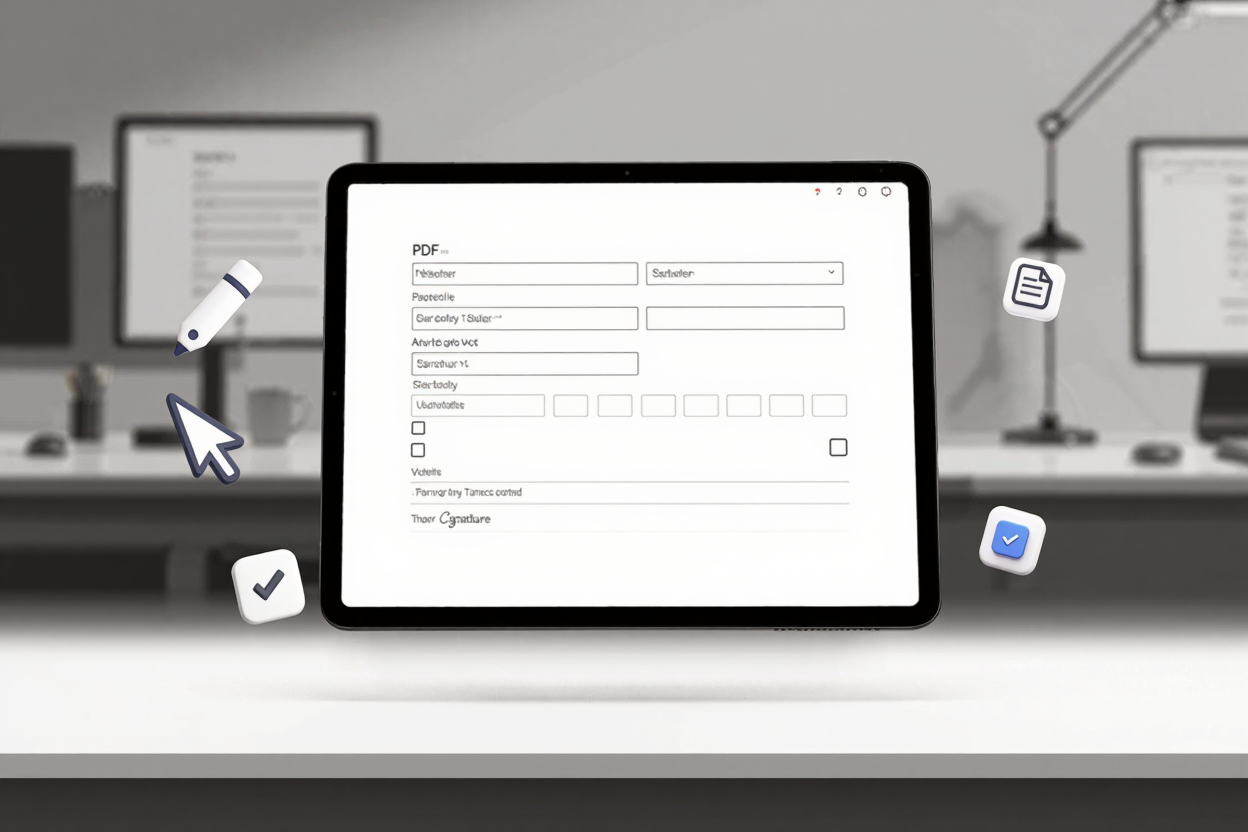
Filling out a PDF form with PDFAlone is straightforward. Simply upload your document to our platform. Our intelligent system will often detect interactive fields automatically, allowing you to click directly into them and type. For non-interactive forms, you can use the text tool to add text boxes wherever needed.
To sign a document, you can draw your signature, type it, or upload an image of your signature. Checkboxes and radio buttons can be selected with a simple click. The process is designed to be intuitive, guiding you through each field seamlessly and ensuring your entries are precise and legible.
Beyond Forms: Comprehensive PDF Editing
PDFAlone isn't just for forms; it's a powerful editor for all aspects of your PDF documents. You can convert and edit PDFs online with an array of features that go far beyond basic text input. This includes modifying existing text, adding new content, rearranging pages, and even manipulating images within your PDFs.
Advanced Editing Features
Our editor allows you to make precise changes to your documents. Need to correct a typo? Simply select the text and edit it directly. Want to add a new paragraph or section? Insert text boxes wherever required. You can also reorder, rotate, extract, or delete pages, giving you complete control over your document's structure.
Annotating documents is also made easy. Highlight important sections, add sticky notes for comments, or use drawing tools to emphasize points. These features are invaluable for collaboration, review processes, or personal study, allowing you to interact with your documents dynamically.
Integrating External Content
Sometimes, your PDF editing might require incorporating content from other sources. For instance, you might need to insert an image into a report. If you're working with images from modern devices, you might encounter HEIC files. Before integrating them into your PDF, you can easily convert them using tools like our <a href="https://convertminify.com/tools/heic-to-png" target="_blank" rel="noopener noreferrer">HEIC to PNG Converter</a>. Once converted to a universally compatible format like PNG, you can seamlessly add these images to your PDF using PDFAlone's editing features, ensuring all your visual content is perfectly placed and displayed.
The Benefits of Using PDFAlone
Choosing PDFAlone for your PDF management brings numerous advantages. Our platform is entirely web-based, meaning you can access your tools from anywhere, on any device, without needing to download or install software. This ensures flexibility and accessibility, whether you're at your desk or on the go.
Security is paramount, and PDFAlone employs robust encryption to protect your documents during upload, processing, and download. Your data privacy is our top priority. Furthermore, our intuitive interface is designed for users of all skill levels, making complex PDF tasks simple and manageable. Experience the full power of our PDF tools suite and streamline your document workflows today.
FAQ
Q1: Is PDFAlone free to use?
PDFAlone offers a range of free tools for basic PDF tasks, with premium features available through subscription plans for advanced needs. You can start using many of our functionalities without any cost.
Q2: Can I edit scanned PDF documents with PDFAlone?
Yes, PDFAlone includes OCR (Optical Character Recognition) capabilities that can convert scanned images of text into editable text. This allows you to make changes to documents that were originally scanned images.
Q3: Are my documents safe and private on PDFAlone?
Absolutely. PDFAlone prioritizes your privacy and security. All documents processed are protected with advanced encryption, and we have strict policies in place regarding data handling and deletion to ensure your information remains confidential.
Ready to transform your PDF experience? Say goodbye to printing, scanning, and complicated software. With PDFAlone, you have a powerful, easy-to-use solution at your fingertips for all your PDF form filling and editing needs. Start simplifying your document management today and discover how effortless PDFs can be.