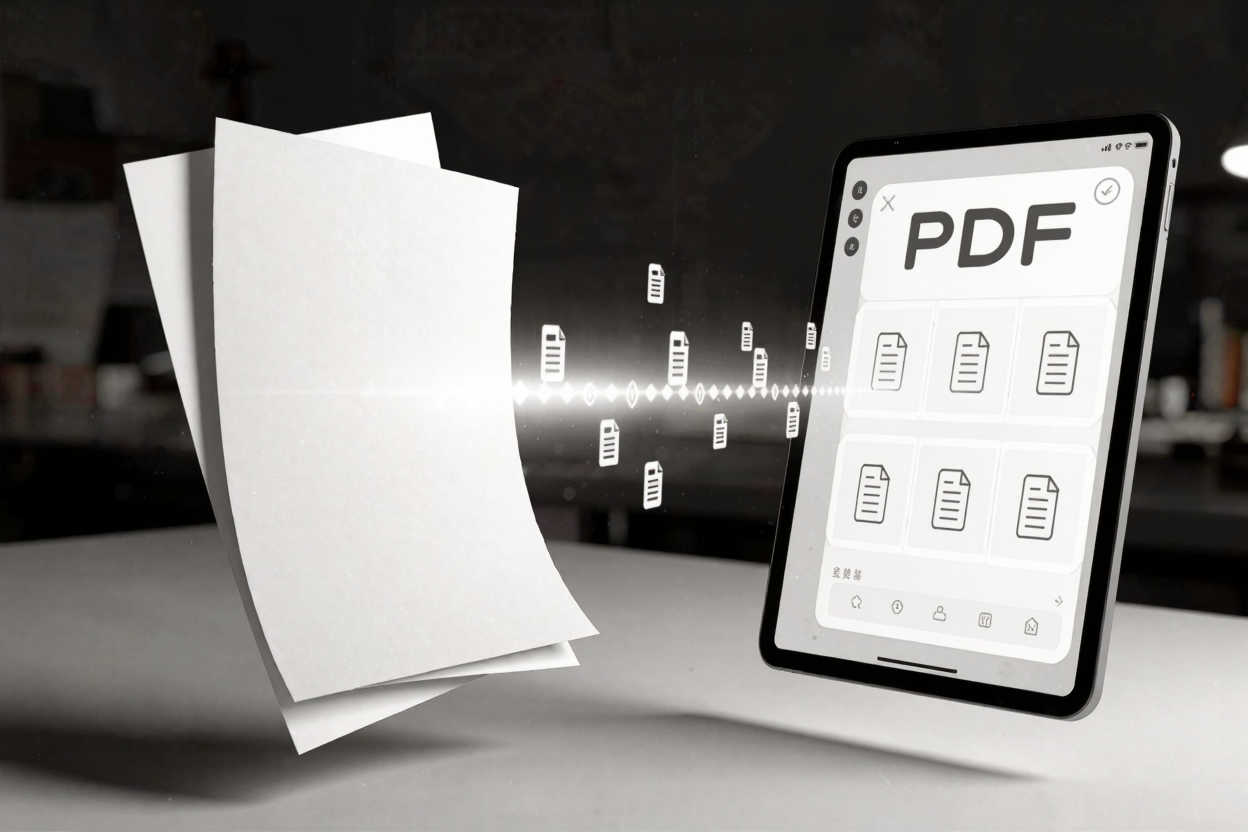
In today's digital age, information is king, and much of it is locked away in PDF documents. Imagine needing to extract data from a scanned invoice, search for a specific phrase in an old legal document, or convert a paper book into an editable format. This is where Optical Character Recognition (OCR) comes in, transforming static images of text into searchable, editable data.
What is OCR?
Optical Character Recognition (OCR) is a technology that enables computers to "read" text from images, whether they are scanned documents, photographs, or image-only PDFs. Instead of just seeing pixels, OCR software analyzes the image to identify letters, numbers, and symbols, converting them into machine-readable text. This process is fundamental for bridging the gap between physical documents and digital, editable content.
How Does OCR Work?
The OCR process typically involves several steps. First, the software preprocesses the image to improve quality, correcting orientation, deskewing, and enhancing contrast. Next, it identifies individual characters and compares them against known patterns, often using machine learning algorithms. Finally, it reconstructs the recognized characters into words, sentences, and paragraphs, often outputting them into a text file or an editable PDF layer.
The Benefits of PDF OCR
Implementing OCR for your PDF documents offers a multitude of advantages. It dramatically increases productivity by allowing users to search, copy, and edit text that was previously inaccessible. For businesses, this means faster data entry, improved archiving, and enhanced information retrieval. It also plays a crucial role in accessibility, enabling screen readers to process document content for visually impaired users. Furthermore, OCR helps reduce physical storage needs by digitizing paper documents effectively.
Key Features of a Good OCR Tool
When choosing an OCR solution, consider several key features. Accuracy is paramount, ensuring that the recognized text closely matches the original. Support for multiple languages is vital for global users. The ability to handle various document types (invoices, contracts, books) and retain original formatting are also significant. Integration with other PDF tools suite for further editing, merging, or converting is highly beneficial. Look for a tool that offers a user-friendly interface and robust performance.
Step-by-Step: Using PDFAlone's OCR
PDFAlone provides an intuitive and powerful OCR solution designed for efficiency. To use it, simply navigate to the OCR tool on the PDFAlone website. Upload your image-only PDF document. The system will then process your file, applying its advanced OCR algorithms to detect and convert the text. Once complete, you can download your new, searchable, and editable PDF. This seamless process allows you to quickly convert and edit PDFs online with ease.
Beyond Basic OCR: Advanced Uses
OCR's utility extends far beyond simple text extraction. It is integral to document management systems, enabling full-text indexing for rapid searches across vast archives. Legal and medical professionals rely on OCR for e-discovery and digitizing patient records. Developers might use extracted text for data analysis or to populate databases. When preparing data for web publishing, ensuring proper display often requires processing, and an <a href="https://devtoolhere.com/tools/html-encode-decode" target="_blank" rel="noopener noreferrer">HTML Encoder</a> can be essential for handling special characters and formatting. This ensures the integrity and usability of your digital content across platforms.
OCR Best Practices
To achieve the best OCR results, always start with the highest quality source document possible. Ensure the image is well-lit, in focus, and free from shadows or smudges. For scanned documents, use a high-resolution scanner setting. After OCR, always review the output for accuracy, especially with complex layouts or handwritten text, as minor corrections might be necessary. Regular use of a reliable PDF tools suite can streamline this entire workflow.
FAQ
Q1: Can OCR recognize handwritten text?
A1: While modern OCR technology has made significant advancements, recognizing handwritten text remains more challenging than printed text. Its accuracy depends heavily on the legibility of the handwriting and the sophistication of the OCR software. Some advanced OCR tools offer better handwritten text recognition capabilities than others.
Q2: Is OCR secure when processing sensitive documents online?
A2: Reputable online OCR services, like PDFAlone, prioritize user security. They typically employ encryption for data transfer and often delete uploaded files after processing to ensure privacy. Always check the service's privacy policy to understand how your documents are handled.
Q3: What is the difference between an image-only PDF and a searchable PDF?
A3: An image-only PDF is essentially a picture of a document, where the text within it cannot be selected, searched, or copied. A searchable PDF, however, has a hidden layer of text generated by OCR underneath the image, making the content fully interactive and usable for digital tasks.
Ready to unlock the full potential of your PDF documents? Visit PDFAlone today and experience the power of our advanced OCR technology. Transform your static PDFs into dynamic, searchable, and editable files with ease and efficiency.