PDF Blog
Step-by-step guides and tips for working with PDF files — compress, merge, split, convert, and more.
How to Compare Two PDF Documents for Differences Easily
Easily find differences between two PDF documents with our expert guide. Learn how PDF comparison tools streamline revisions, ensure accuracy, and save time for legal, design, and academic work.
Convert EPUB & E-books to PDF: Your Ultimate Guide
Easily convert EPUB and e-books to PDF format with PDFAlone. Discover simple steps for universal access, printing, and secure sharing of your digital library. Get started today!
Best PDF Editors for Mac in 2026 - PDFAlone
Discover the best PDF editors for Mac in 2026! Our expert guide reviews top software for seamless editing, annotation, and management. Find your perfect tool at PDFAlone.com.
PDF Batch Processing: Convert Multiple Files at Once
Discover how PDFAlone simplifies your workflow with efficient PDF batch processing. Convert and manage multiple PDF files simultaneously, saving time and effort.
Mastering PDF Headers & Footers with PDFAlone
Learn how to easily add professional headers and footers to your PDF documents using PDFAlone. Enhance document branding, navigation, and information management effortlessly.
How to Convert Google Docs to PDF Format Easily
Convert Google Docs to PDF effortlessly. Master built-in methods, use online tools like PDFAlone, or print-to-PDF. Ensure consistent formatting, security, and easy sharing.
The Complete Guide to PDF Layers and Editing
Unlock the power of PDF layers! This comprehensive guide from PDFAlone explains how to view, manage, and edit layered PDFs for precision and professional results.
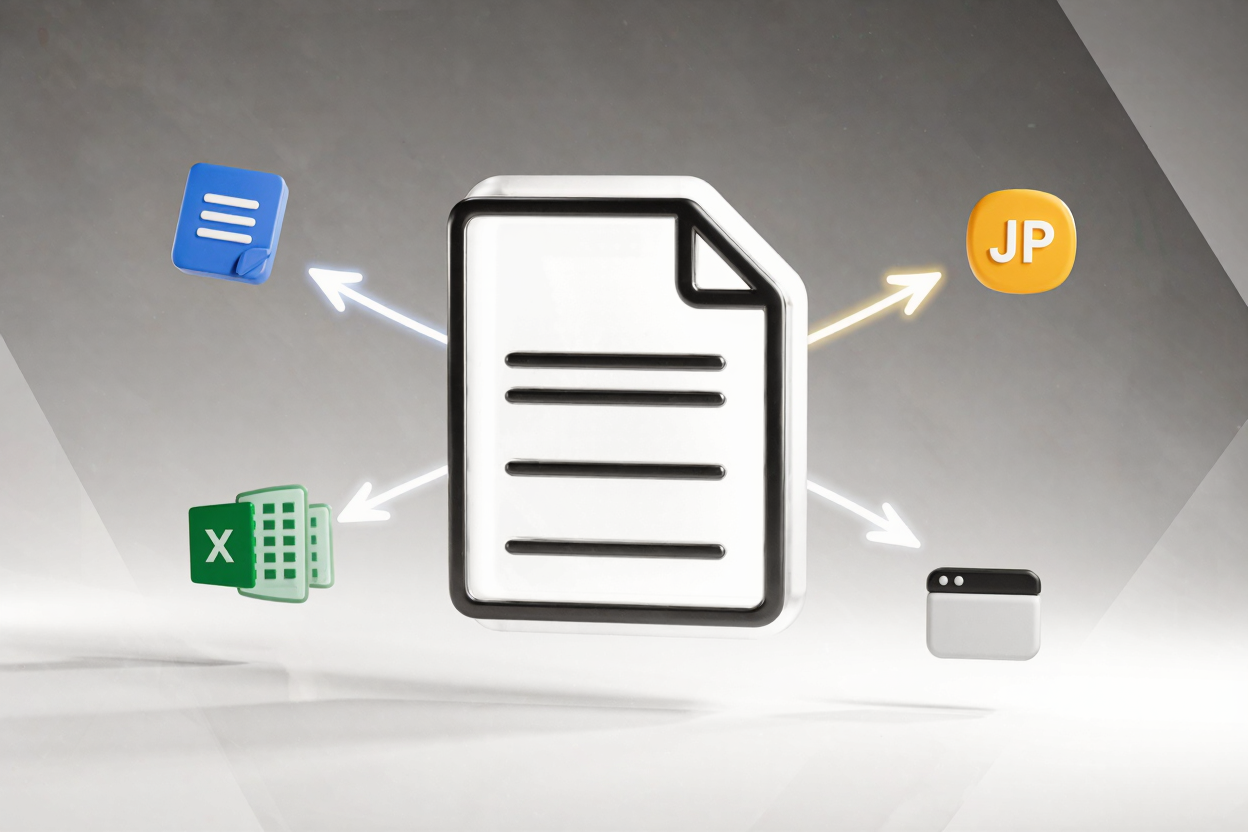
How to Create PDFs from Multiple File Types
Create professional PDFs from multiple file types like Word, Excel, and images. Discover easy methods and online tools to combine your documents seamlessly with PDFAlone.
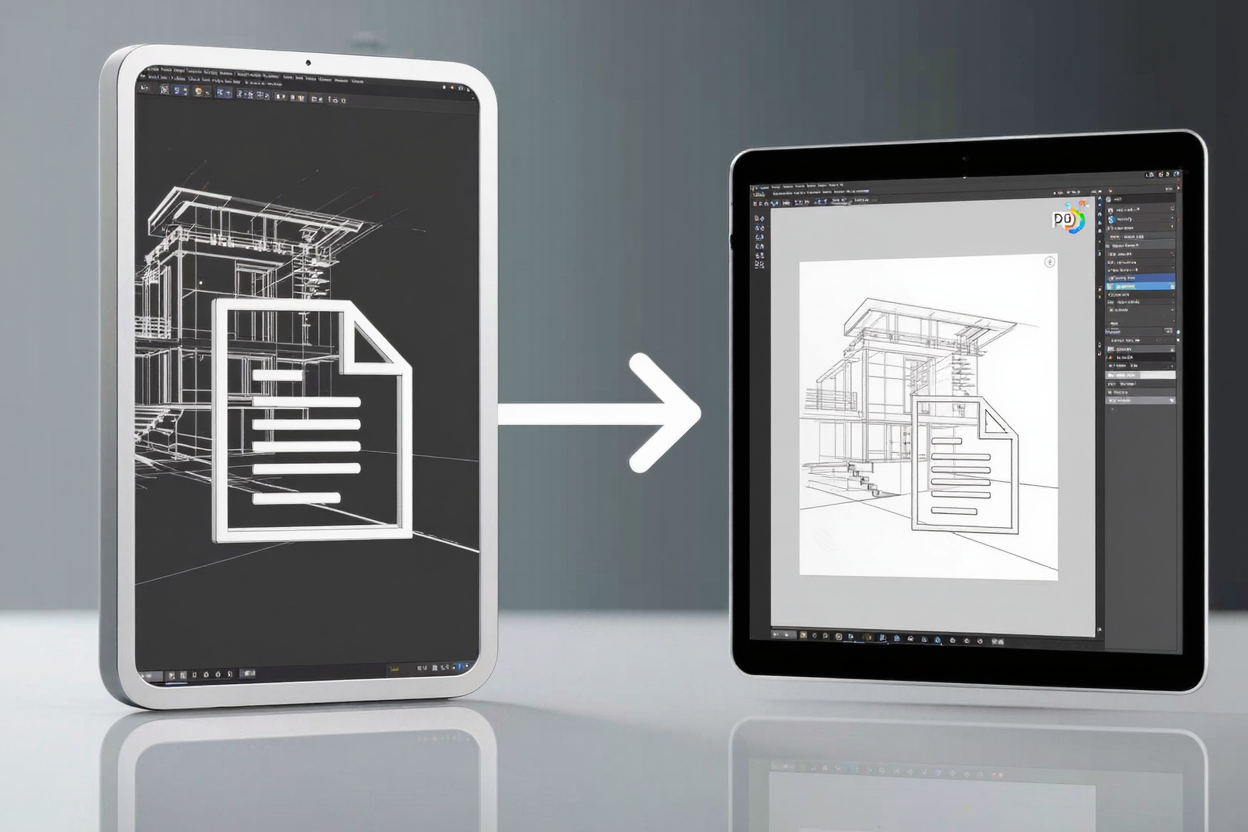
Convert AutoCAD DWG to PDF: Your Essential Guide
Learn how to convert AutoCAD DWG files to PDF easily and efficiently. Discover step-by-step methods using AutoCAD's built-in tools and explore how to manage your PDFs with PDFAlone.
Securely Redact Sensitive Info in PDFs with PDFAlone
Learn the best ways to securely redact sensitive information in PDFs. Discover essential techniques and tools to protect your data with PDFAlone, ensuring your documents remain private and compliant.
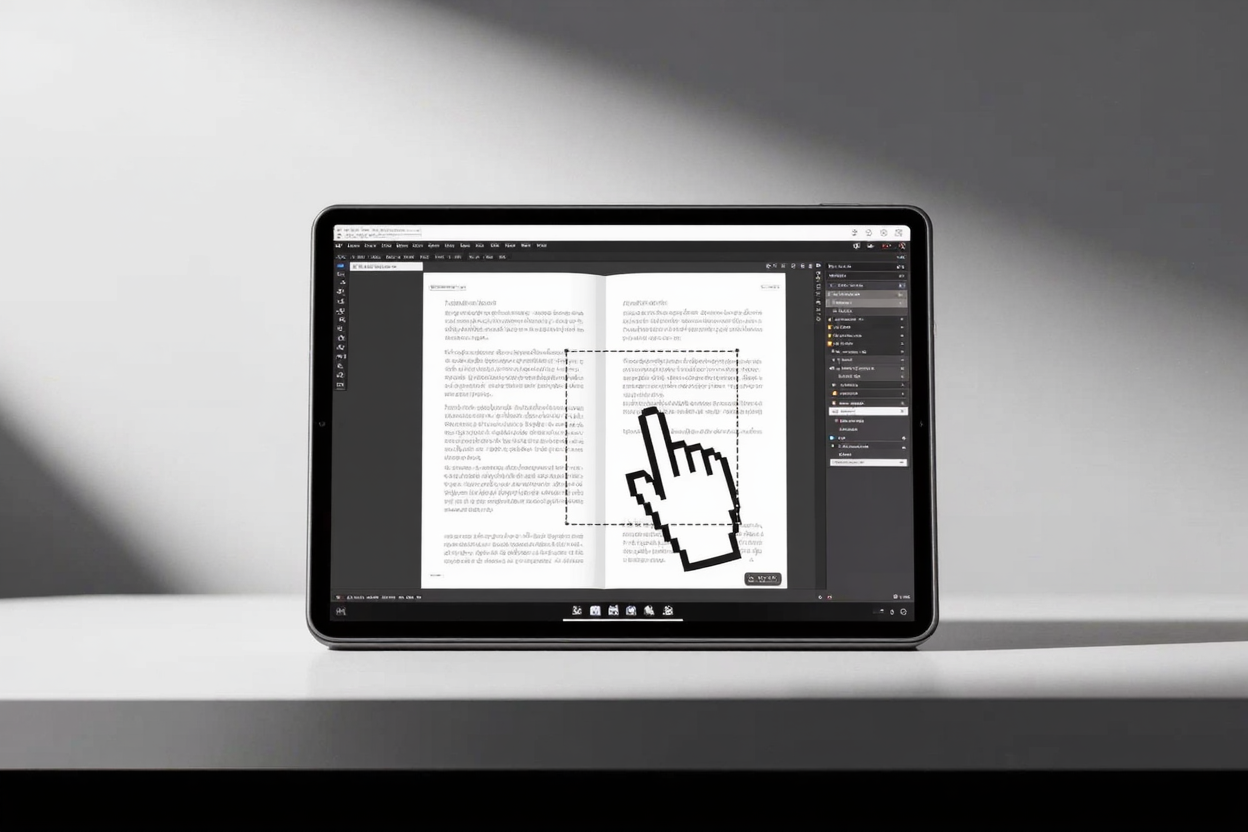
Crop PDF Pages: Remove Unwanted Margins with PDFAlone
Learn how to easily crop PDF pages to remove unwanted margins using PDFAlone's online tools. Enhance readability, save paper, and create professional-looking documents with simple, precise steps.
PDF vs PDF/A: Archival Standards Explained
Explore PDF vs PDF/A: Understand archival format standards. Learn why PDF/A is vital for long-term digital preservation and when to use standard PDFs. Optimize your document management.